












AI pitch deck creators for e-commerce startups are transforming how founders prepare investor presentations. Building a pitch deck can feel like doing taxes while sprinting; you’re juggling product tweaks, ad budgets, and customer emails, yet investors still expect a crisp, data-driven story. Traditional design cycles swallow more than four hours per draft, but Monday.com’s 2026 benchmark shows AI generators cut that to about 30 minutes. These tools even auto-chart conversion rates and apply your brand colors so you can stay focused on growth. In this guide, we compare six standout AI pitch deck creators to help you choose the fastest, most cost-effective fit for your startup.
Table of Contents
I. How we picked and scored the final six
We began with 12 AI pitch deck creators, cutting those built for large enterprises or template-only apps that cost too much or require heavy manual work. To define “best” for early-stage e-commerce founders that have successfully finished the discovery phase, we ran founder interviews, mined reviews, and mapped our findings against common investor tasks, then measured how quickly each tool could turn raw source material into polished slides. PlusAI pulls a multi-page PDF straight into PowerPoint and builds a draft deck in just a few minutes, so speed and content quality earned the heaviest weight in our scoring. Five weighted factors emerged:

- Speed and content quality – 30 percent
- Design polish – 20 percent
- Ease for non-designers – 20 percent
- E-commerce workflow fit (editable AOV or conversion charts) – 15 percent
- Value for money, including any free tier – 15 percent
Each tool earned a 1-to-5 score in every column; the composite score set the ranking, and ad budgets had zero influence. We cross-checked the shortlist against Monday.com’s 2026 CRM and data-integration roundup and Reprezent’s hands-on review of eleven generators, which showed that AI can shrink a week-long slide sprint to seconds. Last, we verified every price and feature on vendor sites in December 2025, so you’re working with current information.
1. PlusAI – best overall for fast, native PowerPoint workflows

Drop your entire business plan (product specs, GA4 screenshots, even that stubborn supply-chain chart) into a single prompt, then watch PowerPoint build an investor-ready deck before the coffee cools. Because PlusAI installs inside PowerPoint and Google Slides, you avoid export headaches and font glitches; every slide stays fully editable in the tools investors expect.
The add-in accepts prompts of up to 100,000 characters and can also ingest PDFs or Word files, mapping each detail to the classic pitch arc (problem, solution, market, traction, financials, ask) — according to SaaSworthy. Charts, icons, and brand-matched colors land automatically, so polish time falls to minutes. Founders can choose among three generation modes:
- Full-deck prompt
- File-to-presentation conversion
- Slide-by-slide creation for granular control
Pricing stays startup-friendly. The Basic plan is $10 per user per month with unlimited AI generations; Pro is $20 and opens the jumbo prompt window plus document uploads; Team is $30 for custom branding and shared templates, all per SaaSworthy. A free tier lets you test the workflow before paying.
Trade-offs? If PowerPoint’s ribbon feels dense, expect a short learning curve, and teams that need a purely web-based canvas may prefer a browser-native tool. For most e-commerce founders, however, PlusAI’s depth of content intake, native editing, and wallet-safe pricing make it a standout AI pitch deck creator.
2. Decktopus AI: best when you want AI help and creative control

Decktopus feels like a co-pilot, not an autopilot. Type a short brief such as “Shopify pet-care brand seeking seed round,” pick the Startup pitch template, and the platform sketches an outline in seconds. You can reorder sections, add a competitive matrix, or drop in a traction slide before any content appears. The AI then fills each page with concise copy and placeholder visuals, so you never face a blank canvas.
File intake is its headline feature. Drag last quarter’s metrics PDF or a product one-pager into the editor, and Decktopus threads those details straight into the narrative, sparing you copy-paste gymnastics. Auto-generated speaker notes land beneath every slide, giving you a built-in rehearsal script (see a Reviewhouse analysis). The drag-and-drop editor lets you swap themes, fonts, or embed a demo video without breaking layouts.
Workflow remains flexible: present live in the browser, export a PDF for an accelerator, or download a PowerPoint file for final tweaks. The Pro plan costs $14.99 per month when billed annually, and a free tier lets you try the tool without risk.
Limitations? Advanced animations and live data links are missing, so you’ll still update that CAC chart manually. For founders who want the speed of an AI pitch deck creator plus hands-on storytelling control, Decktopus is a solid pick.
3. Slidebean: best one-stop shop for pitch, financials, and investor follow-up
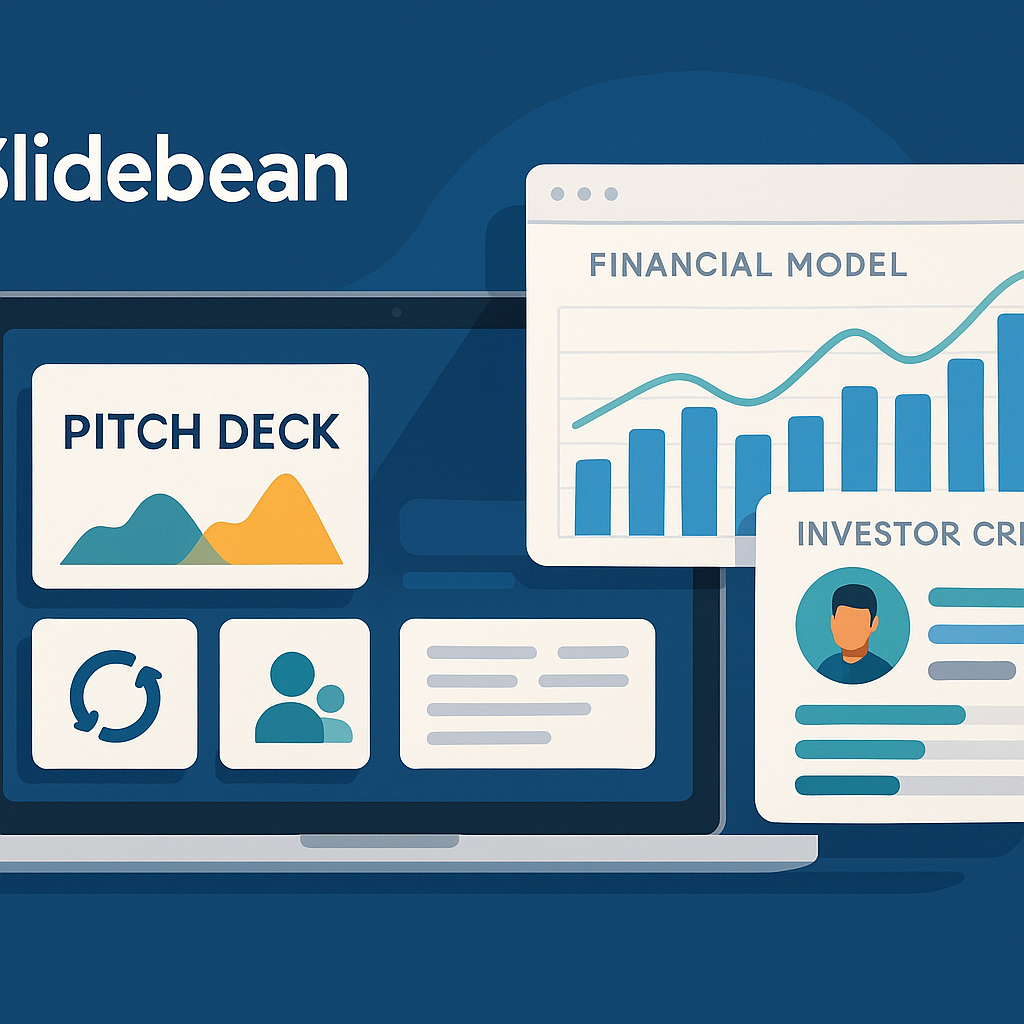
Slidebean does more than build slides; it combines your entire fundraising workflow in one dashboard. Enter a website URL or short blurb, and the AI scrapes logos, taglines, and team photos, then drops them into a proven startup-deck template (problem, solution, market, traction, team, ask) and assembles a draft in under a minute.
Polish is simple. A library of more than 100 pitch templates modeled on well-known startup decks keeps design credibility high. Swap placeholder text for your metrics, import charts from Slidebean’s built-in financial model, and every slide stays aligned.
The real power shows after the slides. Paid plans offer a cap-table tool, pre-populated financial models, and an investor CRM with view tracking, so you can see which partner lingered on your traction slide. You can also email the deck from the platform and monitor open times.
Pricing is lighter than a designer’s invoice: the All-Access plan costs $12 per month when billed yearly, while Accelerate is $42 and adds coaching sessions. The free tier lets you create decks but limits sharing and export options.
Limitations? PDF is the default export, and .pptx requires an upgrade or conversion. If your website is sparse, expect to flesh out slides manually because the AI offers minimal pre-prompting. Still, for founders who want design, numbers, and outreach analytics under one roof, Slidebean stands out as an AI pitch-deck creator.
4. Storydoc: best for turning a deck into an interactive micro-site

Storydoc replaces static slides with a scrolling, web-style experience that feels more like a product-launch page than PowerPoint. As an AI pitch deck creator, it lets you pick Investor pitch, paste a detailed prompt (there is effectively no hard character limit), and then weaves your narrative into animated sections that flip, glide, and reveal charts as the reader scrolls.
For founders with rich visuals or demo videos, the format delivers. You can embed a 30-second product clip, drop an interactive TAM calculator, or add a Calendly block so investors can book a call without leaving the deck. After you hit Send, Storydoc tracks every view, hover, and scroll duration and can push that data to HubSpot or Salesforce for follow-up.
Storydoc turns your static investor deck into an interactive, scrollable micro-site with built-in analytics and scheduling.
Two caveats: interaction lives online; exporting to PDF or PowerPoint flattens animations. The Starter plan costs $17.40 per month when billed annually, or $29 month to month. If you plan only a short funding sprint, the cost is manageable; if the deck will sit idle, it may feel steep.
Choose Storydoc when you want your pitch to behave like a modern landing page and you’re comfortable sharing a link instead of an attachment. Keep a static PDF on hand for investors who prefer traditional files.
5. Pitch: best for design-obsessed teams working in real time

Open Pitch and you’re greeted by agency-level templates featuring crisp typography, photo-forward layouts, and color themes that make storefront screenshots pop. Click Start with AI, drop a 400-character brief, and a tidy draft appears with title ideas, section flow, and suggested imagery.
Collaboration feels like Google Docs. Comments, live cursors, and version history keep copy tweaks and color tests from spawning “v3_final_FINAL” chaos. Save your brand palette once, and every new deck inherits it.
Pitch also respects data. Link a Google Sheet or ChartMogul board, and slides refresh automatically when numbers change, sparing you late-night find-and-replace marathons. For founders who want a broader look at AI slide-design tools with strong data-sync capabilities, this comparison of the best AI slide design generators offers useful benchmarks before choosing a workflow. On the Pro plan, you can even record slide-by-slide video narration, which is perfect for sending a self-running deck to busy angels.
The free plan is generous: unlimited decks, up to five collaborators, and 100 lifetime AI credits. Limits sit at the edges because the brief cap keeps detailed financials manual, and exports on Free carry a small Pitch badge. Paid plans start at $8 per seat per month (annual) for unbranded exports and 500 recurring AI credits.
If visual excellence and low-friction teamwork top your wish list, this AI pitch deck creator fits the bill. You’ll leave with a deck that looks hand-crafted, stays on brand, and updates in lockstep with your metrics. No Photoshop required, and no endless feedback threads.
6. Beautiful.ai: best for “set it and forget it” design consistency

Beautiful.ai enforces design guardrails so you can’t misalign a headline or stretch an image. Paste an outline or prompt, and its DesignerBot picks the right slide type (timeline, bar chart, comparison grid), then locks margins, fonts, and colors. Update one figure later, and the layout reflows automatically to keep the deck on brand.
That auto-layout power helps when your presentation evolves weekly. Refresh last month’s ROAS, swap the hero image, press Refresh, and the deck realigns in seconds. Shared slides go further: tweak the “About us” page once, and every deck tied to it updates; handy if you juggle multiple product lines or investor updates.
The interface stays simple. Templates sit on the left, and a live preview fills the right pane. You won’t find pixel-level nudging, but founders who prize speed over micromanagement will appreciate the constraint.
Pricing is straightforward. The Pro plan costs $12 per month billed annually, and Team is $40 per user with real-time collaboration and brand libraries. A 14-day free trial lets you test features without risk.
Limitations? AI image generation is absent, and advanced animations are basic. Still, if you prefer to focus on story and metrics while an AI pitch deck creator keeps every slide uniform, Beautiful.ai is a tidy solution.
II. Which AI pitch deck creator fits your e-commerce playbook?
Use this quick decision map to m
atch your biggest fundraising bottleneck to the best AI pitch deck creator.
Different tools solve different bottlenecks. Use the matrix below to match your biggest headache to the deck creator that fixes it fastest.
| Your need | Best tool | Reason it wins |
| A full deck in PowerPoint with zero format cleanup | PlusAI | Lives inside PPT/Slides, accepts huge prompts, and delivers slides that arrive about 90 percent investor-ready |
| AI draft plus hands-on editing in a web canvas | Decktopus AI | Document upload fills content gaps, and auto speaker notes double as a rehearsal script |
| Design templates and fundraising plumbing (financials, CRM) | Slidebean | Bundles deck creation, financial models, and investor-view tracking |
| An interactive, scrollable story with built-in analytics | Storydoc | Embeds video, forms, and calendar links; tracks every scroll for follow-up insight |
| Brand-perfect visuals and live collaboration at no cost | Pitch | Agency-grade templates, real-time edits, and a generous free tier |
| Foolproof design autopilot that updates itself | Beautiful.ai | Smart slides lock layouts, and shared slides sync changes across every deck |
Quick rule of thumb
- Start with PlusAI if PowerPoint is home base.
- Choose Decktopus when you want AI speed but still like to tinker.
- Pick Slidebean if you also need a financial model and investor CRM.
- Send a Storydoc link when you value motion and engagement data.
- Rally a team around Pitch for constant visual polish without spending a cent.
- Use Beautiful.ai if you prefer an algorithm to guard every margin and font choice.
Still unsure? Identify your primary constraint (design, data, or collaboration) and pick the tool that removes it. Clarity beats feature counting every time.
Conclusion
AI pitch deck creators have finally reached a point where early-stage e-commerce founders can build investor-ready presentations in minutes, not days. Whether you prefer the familiar comfort of PowerPoint, a web-based canvas with creative control, or an interactive, analytics-driven micro-site, today’s AI tools remove the formatting guesswork and let you focus on the story investors care about: traction, market fit, and a clear path to scale.
Start by identifying your biggest bottleneck, speed, design, data, or collaboration. Then match it to the tool that resolves it with the least friction. PlusAI leads for native PowerPoint workflows, Decktopus enables AI-supported but founder-led editing, Slidebean wraps financials and investor outreach into one platform, Storydoc elevates your pitch into an interactive experience, Pitch offers agency-level design with real-time teamwork, and Beautiful.ai keeps every layout perfectly aligned. With the right tool in hand, your pitch deck becomes less of a chore and more of a strategic asset that strengthens your fundraising narrative from the first slide.
FAQ
1. What is the best AI pitch deck creator for e-commerce startups?
For most founders, PlusAI is the strongest all-around choice because it works directly inside PowerPoint and accepts large prompts, business plans, and PDFs. If you want a web editor instead, Decktopus, Pitch, and Storydoc are top alternatives depending on your needs.
2. Which tool is best if I don’t have design experience?
Beautiful.ai is ideal for non-designers. Its locked-in smart templates prevent misalignment, keep fonts consistent, and automatically reflow layouts as you update content.
3. What if I need financial modeling or investor CRM features?
Choose Slidebean. It includes financial model templates, cap-table tools, and an investor CRM with slide-view tracking—all inside one dashboard.
4. Can these tools handle e-commerce metrics like AOV, CAC, or conversion rates?
Yes. Tools like PlusAI, Decktopus, and Pitch allow you to insert charts or pull data from PDFs, spreadsheets, or connected sources. Many automatically generate graphs and apply brand colors.
5. Will investors accept decks made with AI?
Absolutely. As long as the story is clear, the numbers are accurate, and the design is professional, investors care far more about traction and strategy than whether you used AI to format your slides.
6. Which AI tool is best for collaboration with my team?
Pitch is the best collaboration-first option. Its real-time editing, comments, and version history feel similar to Google Docs but with higher-end design.
7. Can I export my AI-generated deck to PowerPoint or PDF?
Most tools allow this.
- PlusAI and Decktopus export clean .pptx files.
- Pitch and Beautiful.ai also export to PowerPoint (with some restrictions on free tiers).
- Slidebean exports to PDF by default; exporting to PowerPoint requires a paid plan.
- Storydoc can export, but animations flatten into static slides.
8. Are these tools suitable for long-term use or just quick fundraising sprints?
Both.
- If you routinely update KPIs or send monthly investor updates, tools like Beautiful.ai, Pitch, and Slidebean shine.
- For one-time fundraising sprints, Storydoc or Decktopus offer fast turnaround and polished results with minimal setup.


