











Picture this: a business rushes into a platform decision based on what a competitor was using. Eighteen months later, they’re mid-migration to a custom build, hemorrhaging developer hours, and deeply regretting not asking harder questions upfront. The platform itself wasn’t the problem. The mismatch was.
Choosing the right ecommerce web development approach isn’t about finding the best platform in some abstract sense. It’s about matching a technical decision to how your business actually runs: your team, your catalog, your integrations, your budget over three years, not just launch day. That matching process is where most people go wrong, and it’s usually because they skip the boring diagnostic work in favor of watching demos.
Teams that offer ecommerce web development services will tell you the same thing: the businesses that struggle most aren’t the ones that chose the “wrong” platform. They’re the ones that chose without a clear picture of their own requirements first.
Table of Contents
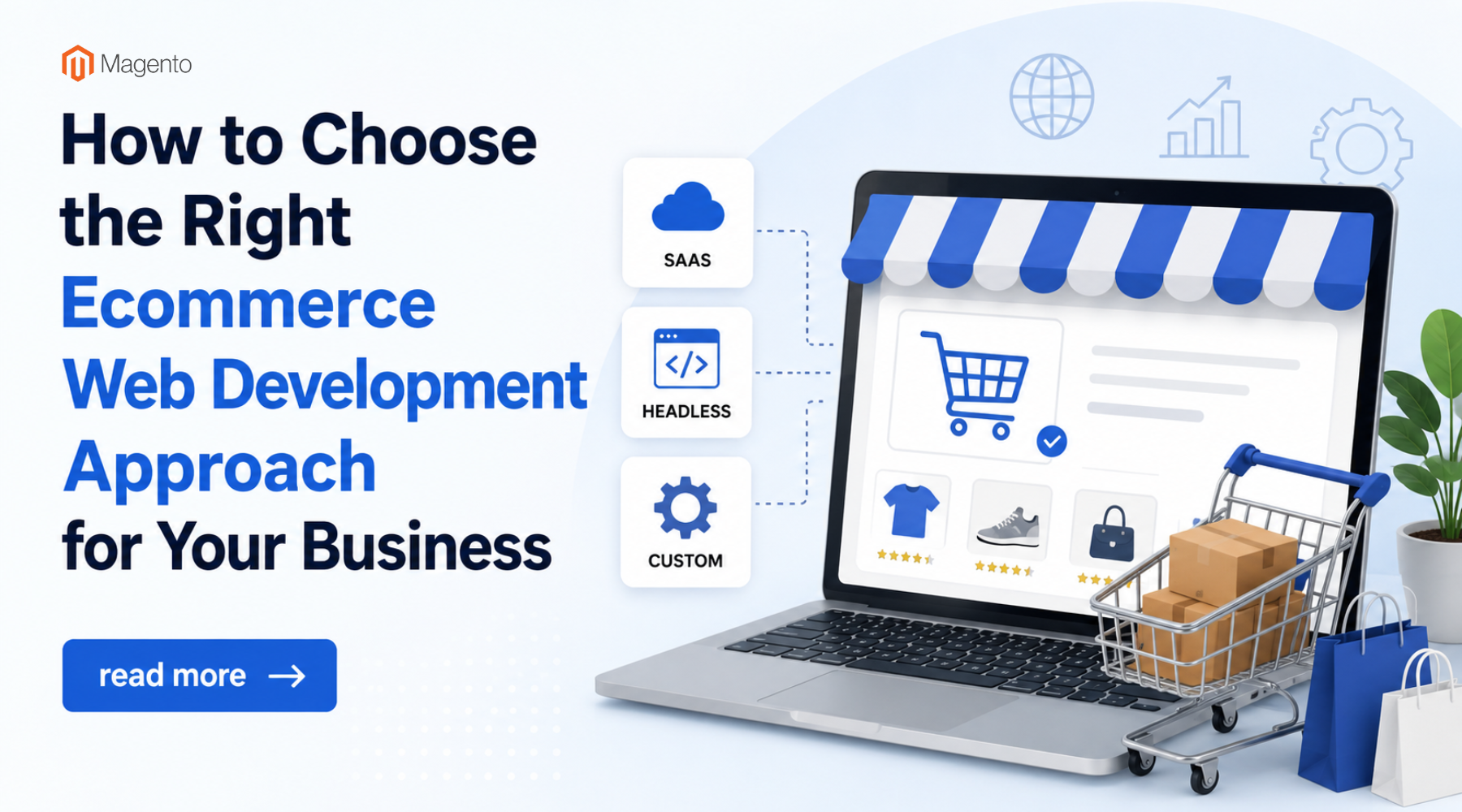
SaaS, Headless, or Custom? What You’re Actually Choosing Between
There’s SaaS (Shopify, BigCommerce, that world), headless commerce, and fully custom builds. You’ve probably read a dozen comparisons already. Most of them describe features. This one’s going to describe consequences.

Sass: Fast to Launch, Slower to Escape
Shopify is genuinely good. So is BigCommerce. The managed infrastructure alone (hosting, security patches, PCI compliance handled for you) saves real time and money, especially for smaller teams where nobody wants to be oncall for server issues at 2am.
The catch shows up later. These platforms are opinionated. They have a model of what a store looks like, how checkout works, how products are structured. For most businesses, that model is fine. For businesses with anything unusual (complex B2B pricing, subscription logic that doesn’t fit neatly into existing apps, catalog structures that are just a bit weird) you start working around the platform instead of with it. Shopify has 8,000+ apps in its marketplace, and somehow you’ll end up paying for five of them that each solve 70% of your problem and none of them talk to each other properly.
Not a dealbreaker. But something to stress-test before you commit rather than after.
Headless: The Right Answer to a Specific Problem
Headless means you keep a commerce engine (Shopify Plus, Commercetools, Elastic Path) handling the business logic while building your own frontend in something like Next.js. Nike does this. Allbirds does this. The reason is performance and design control; things a Liquid theme or standard storefront template simply can’t deliver at that level.
Performance here isn’t just about speed scores; Core Web Vitals optimization plays a direct role in rankings, and headless setups give you the granular control to address those metrics properly.
If your business isn’t Nike, the calculus changes. Headless introduces real engineering overhead. Your marketing team can’t update a banner without a deploy. Content changes go through pull requests. Some organizations are fine with that; they have the team structure to absorb it. Others find out too late that they’ve built something nobody on their team can actually maintain week-to-week without outside help.
Honest question to ask yourself: do you have a frontend team already working in React or Vue? Do you have performance requirements a standard theme genuinely can’t meet? If the answer to both is yes, headless makes sense. If you’re hoping to grow into it, that’s a gamble worth thinking through carefully.
Custom Builds: More Upfront, Fewer Surprises at Year Three
A fully custom store on Laravel, Django, or Node.js gives you exactly what you spec. No platform restrictions, no vendor lock-in, no per-transaction fees eating into margin at scale. WooCommerce sits somewhere in the middle of this category: open-source, highly extensible, but not the blank canvas a ground-up build is. Magento (Adobe Commerce) is the enterprise-grade version of this; the companies running it well are almost always running it with a dedicated development team.

The case for custom is strongest when your requirements are genuinely unusual. Think: ERP integrations with systems built in 2004, pricing logic that involves dealer tiers and regional rules and exceptions that would make a SaaS app cry, fulfillment workflows that no off-the-shelf solution has ever tried to model. Businesses running multi-vendor marketplace models are a good example: the seller management, commission logic, and order routing complexity usually pushes them toward custom builds quickly.
In those situations, retrofitting a SaaS platform creates technical debt that compounds quickly. Custom is often actually cheaper over five years than a heavily patched SaaS setup.
What people underestimate: you’re taking on ownership of everything. Security patches, hosting, performance, the bug that appears three weeks after launch in an edge case nobody tested. That’s not a reason to avoid custom. It’s a reason to be honest about whether your team or partner has the capacity to own it.
How to Actually Make the Call

Skip the feature comparison spreadsheet. Start here instead.
Map Every Integration Before You Look at a Single Demo
Write down every system your store needs to exchange data with: your ERP, your 3PL, your CRM, your returns platform, your marketing stack. Then, for each one, find out specifically how the platforms you’re considering handle that connection. Not “does it integrate” but “how does it integrate, who built it, when was it last updated, what breaks when it breaks.”
Shopify’s native connectors for Klaviyo and Gorgias are solid. Salesforce Commerce Cloud makes sense if your whole stack is Salesforce. Magento will connect to almost anything, but every connection is a project. This integration map will narrow your options faster than any feature list.
Model Three Years of Cost, Not Launch Cost
Platform licensing is the number that shows up in proposals. It’s also the least important number in the long run. The real figures are: developer time, third-party app fees, the cost of every workaround you’ll build when the platform doesn’t do what you need.
A Shopify store at $79/month can easily run $1,500/month in apps within a year, replicating functionality that WooCommerce includes by default. A custom build at $80,000 upfront might carry almost no ongoing licensing. Neither is automatically better, but the comparison looks completely different over 36 months than it does on launch day. Also: if you’re doing meaningful revenue on Shopify, model the transaction fees on your actual numbers. On basic plans they’re 2%; at scale, that adds up to real money.
Ask Who Owns This When Something Goes Wrong at 11pm
Not hypothetically. Actually figure out the name or the team. Because something will break (during a flash sale, before a product launch, during peak season) and the answer to “who fixes this” shapes which platform you should be on.
SaaS platforms can be managed by non-technical team members once they’re stable. Headless and custom builds need consistent engineering access. If you’re a small team without in-house developers, building something that requires a developer for every update creates fragility you don’t need. On the flip side: if you have developers who know Laravel or React well, forcing them onto a platform they don’t know costs you in ways that don’t show up in the proposal.
Summing It Up
The ecommerce web development decision that holds up over time isn’t the one made after the best demo. It’s the one made after the most honest audit of how your business actually works: integrations, team structure, budget over time, who’s maintaining the thing in year two.
Most rebuilds happen not because a platform was bad, but because the mismatch only became visible once the business tried to grow inside it. Map your requirements first. The platform choice usually follows pretty naturally from there.
fv